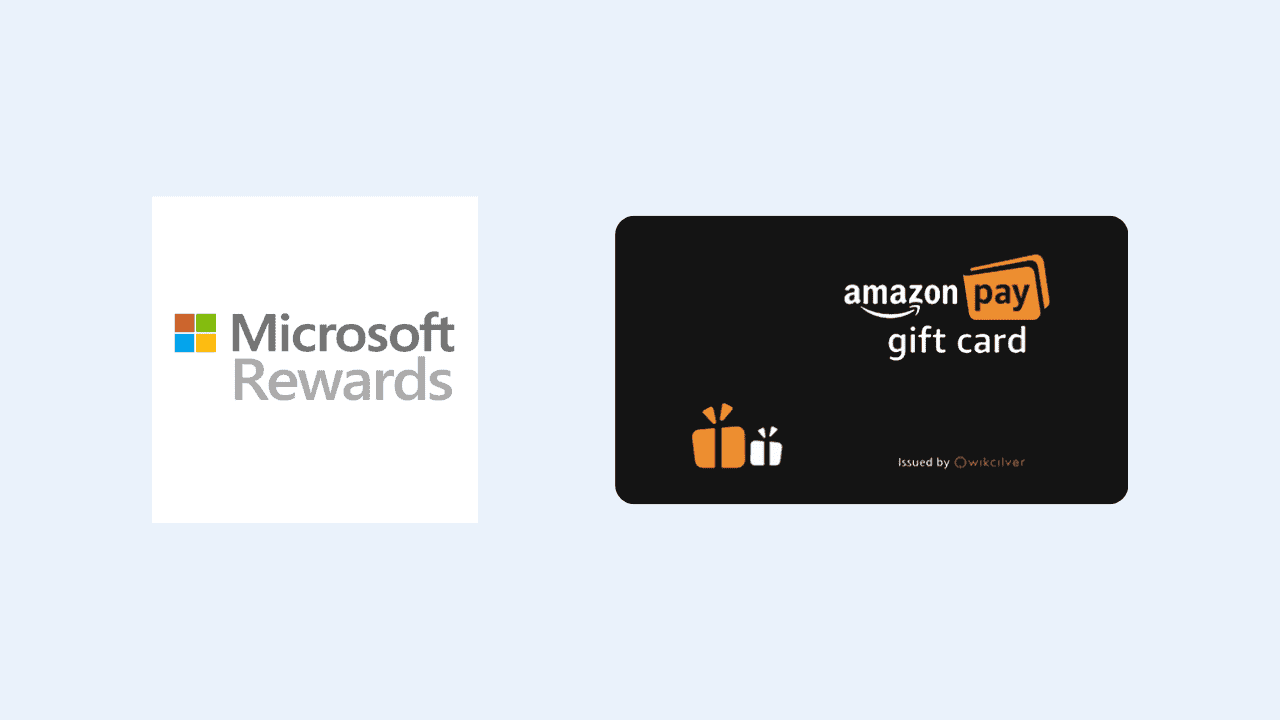
After being missing in action for over a year, Microsoft India has reintroduced Amazon Gift Cards as a redemption option for the accumulated Microsoft Rewards (aka Bing Rewards) points. While the rewards catalog also includes Croma and PVR gift cards, the Amazon ones are the most sought after due to their versatility.
Microsoft offers Amazon gift cards in various denominations. While Microsoft offered an Amazon Gift Card worth even ₹500 in the past, the smallest available to me now is the ₹1,500 Amazon Gift Card, which requires 22,425 reward points. Microsoft also offers ₹2,000, ₹2,500, and ₹5,000 Amazon Gift cards for users who have accumulated quite a large number of points. Here’s the redemption rate of all the available denominations.
| Gift Card denomination | Reward points needed |
|---|---|
| ₹1,500 | 22,425 |
| ₹2,000 | 29,900 |
| ₹2,500 | 37,375 |
| ₹5,000 | 74,750 |
The cost per rupee is the same for all the denominations, making it worthwhile to wait to accumulate more points before redeeming.
If you’re a frequent Bing user (why?!) and have accumulated 22,425 or more points on Bing Rewards, then it may be the right time to cash out. Microsoft may drop Amazon India Gift cards from its rewards redemption catalog at any point.
How to Redeem Bing Rewards for an Amazon Pay Gift Card in India?
- Open the Redeem page on the Bing Rewards website.
- Find and open the Amazon Pay Gift Card India option under the Gift Cards tab. You can also click this direct link if you can’t find it.
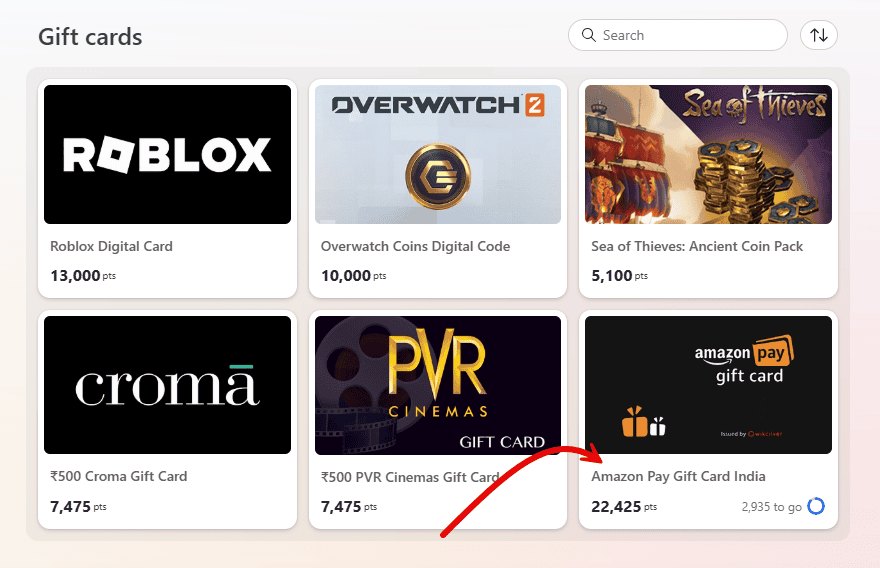
- Choose the Amazon Pay Gift Card denomination and click on the “Redeem now” button.
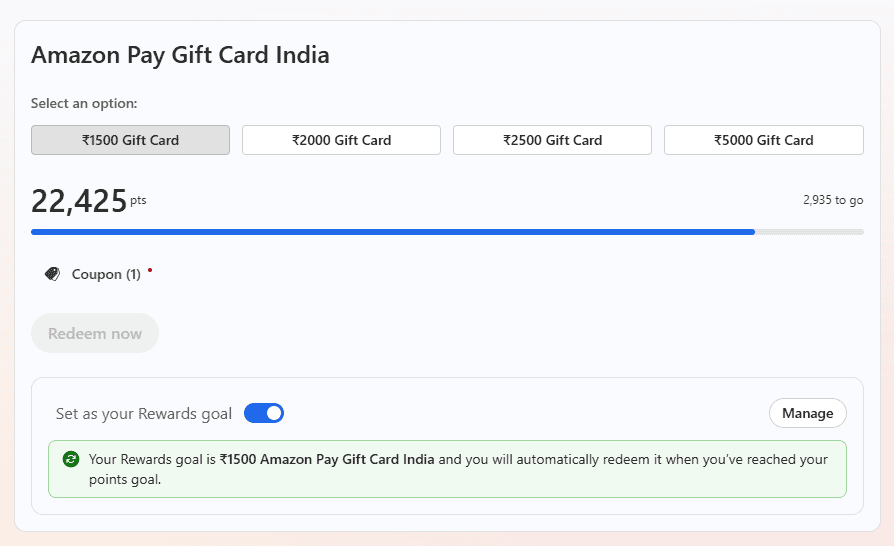
- Microsoft will deduct your reward points and issue an Amazon Pay Gift Card.
- Redeem the Gift Card on Amazon India by adding it to your Amazon Pay balance.
Rewards are possibly the only reason for users to use Bing search over Google. And the rewards are only fun to accumulate if there are good redemption options. Hopefully, Microsoft will keep that in mind and expand the catalog with more redemption options while not dropping the older ones.
How to earn Microsoft Rewards points?
There are several tasks that reward you with Microsoft Rewards. The most prominent of them is using the Bing search engine. Apart from that, you also earn Microsoft Rewards points for your purchases in the Microsoft Store as well as by using the Microsoft Edge browser.
Go to the Bing Rewards website and sign in using your Microsoft Account. Accept the terms and get started with earning reward points.
Note: It seems Microsoft has not rolled out the Amazon Pay Gift Card to all Bing Rewards users in India. So, you may or may not see it in your account. However, you will be able to reach the page by following the direct link in the post.